Building Websites using AI Tools (Bolt, Replit, v0, etc.)
Wireframing, Responsive Design & Latest Trends
UI/UX Design Principles & User Experience
AI Tools Ecosystem (Chat, Design, Code Editors)
Prompt Engineering for AI-based Development
Fundamentals of Vibe Coding & No-Code Development
Introduction to Web Design, Development & AI
Course Description
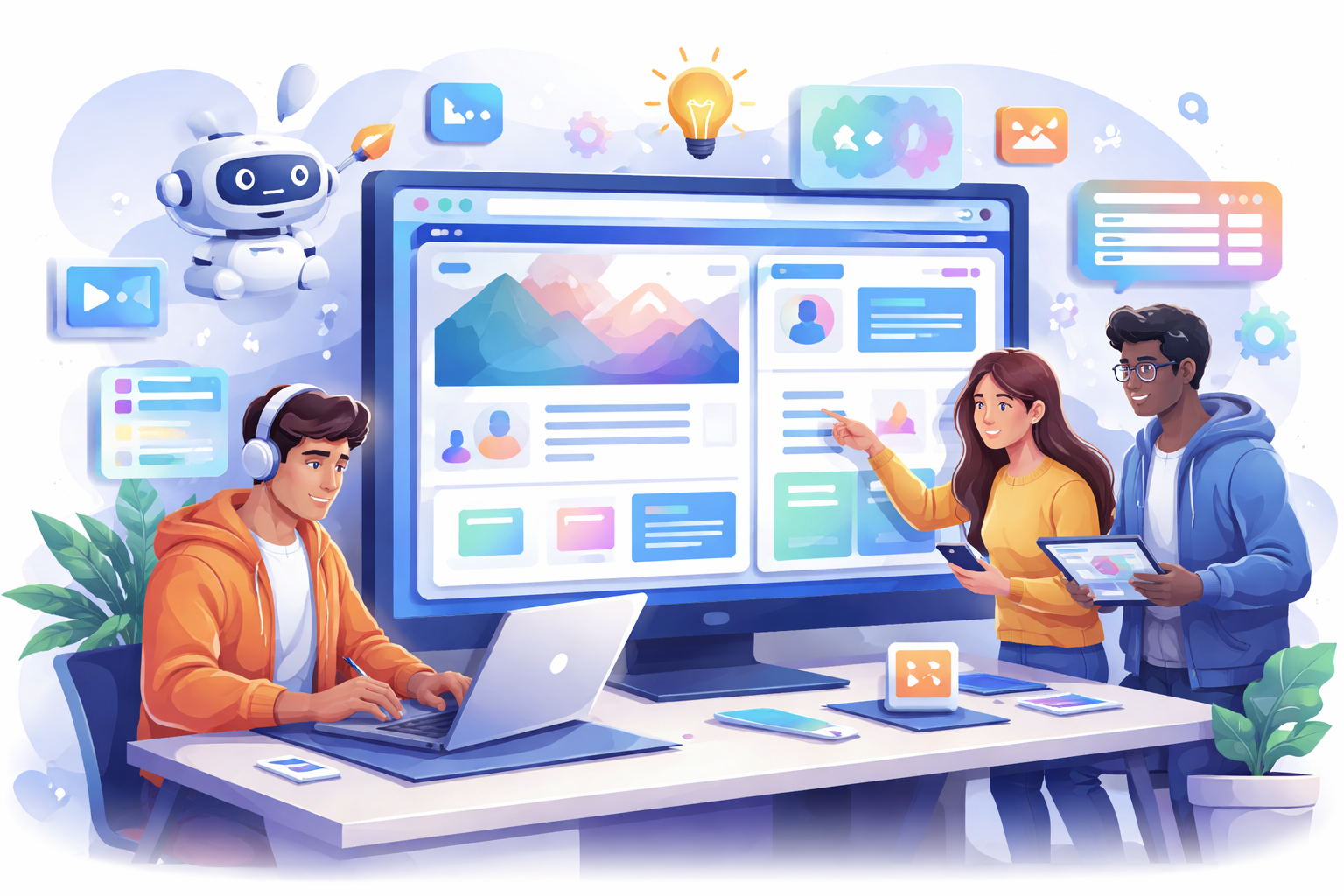
This course is designed to help learners build professional websites using AI without traditional coding. It covers Vibe Coding, UI/UX design, and modern AI tools to create real-world projects. The program is highly practical, focusing on hands-on learning and real-time implementation. Ideal for beginners and professionals looking to upgrade their digital skills.
Course Objectives
To introduce learners to AI-powered web development concepts.
To enable students to design and build websites without coding.
To develop strong UI/UX design and prompt engineering skills.
To provide hands-on experience with modern AI tools and platforms.
To prepare learners for real-world projects and freelance opportunities.
Role in Industry
AI-based web design is transforming how websites are built, reducing dependency on coding.
Professionals with Vibe Coding skills are in demand for faster project delivery.
Businesses prefer AI-driven solutions for cost-effective and scalable development.
This skill enables freelancing, startup building, and digital entrepreneurship.
It bridges the gap between technical and non-technical professionals in the IT industry.
Course Highlights
28 Chapters with structured learning approach
45–60 hours of practical, hands-on training
100% free AI tools used throughout the course
4 real-world projects for portfolio building
No coding required – beginner-friendly
Covers UI/UX, backend basics & deployment
Learn trending tools like ChatGPT, Figma AI, Replit, Vercel
Industry-relevant curriculum updated for 2026
Offline + hands-on training mode
Focus on real implementation, not just theory
Portfolio-ready projects for job & freelance opportunities
close
replay_10
pauseplay_arrow
forward_10
0:00
replay_10play_arrowforward_10volume_up
0:00 / 0:00
settingspicture_in_picture_altfullscreen
Playback Speed
0.25
0.5
0.75
Normal
1.25
1.5
1.75
2
Course Preview
Lorem ipsum dolor sit amet, consectetur adipisicing elit. Dolor, enim!
.svg)