.svg)
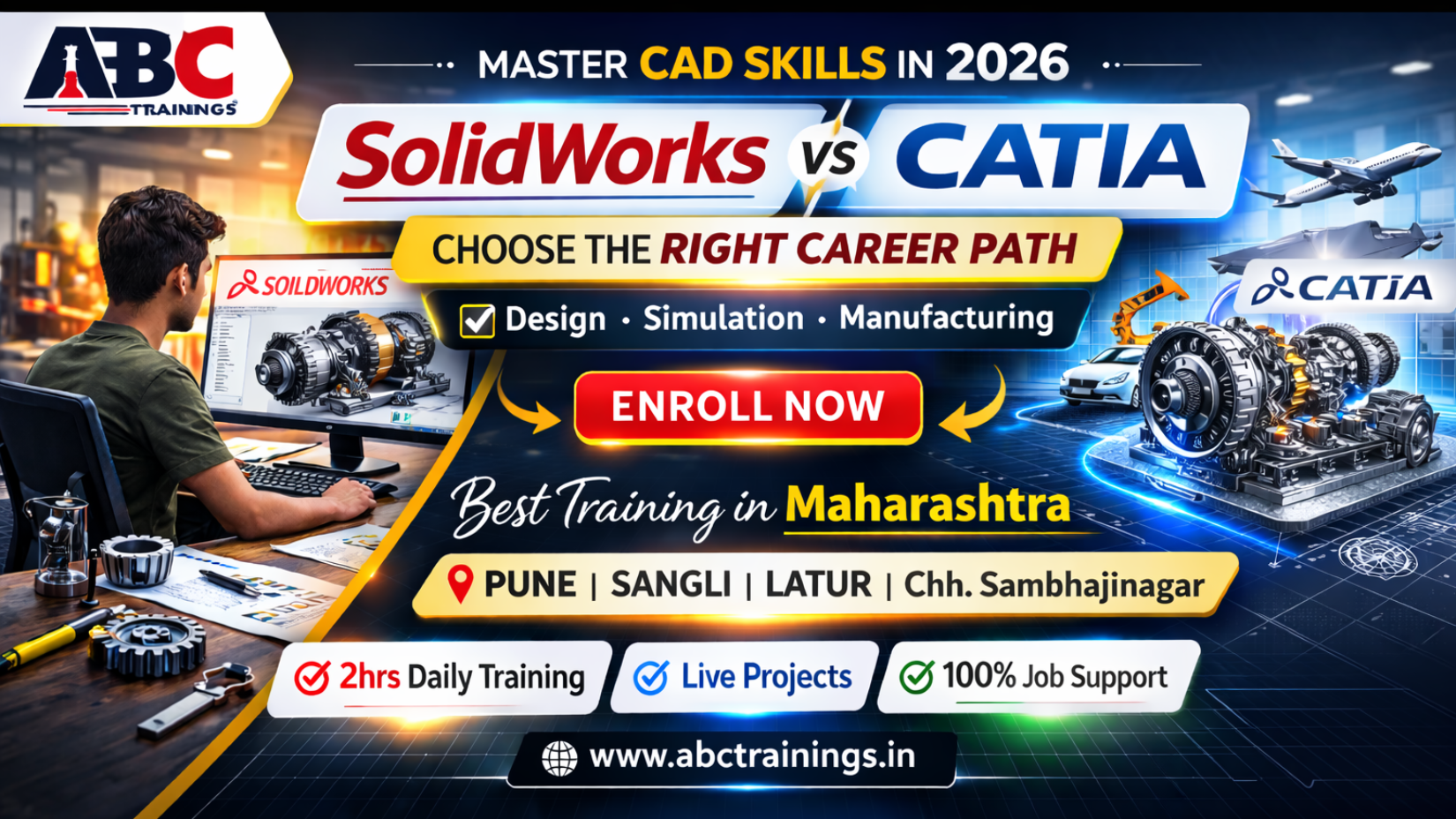
Mechanical engineering in 2026 is no longer limited to drawing parts and assembling components. It has evolved into digital product development, smart manufacturing, and simulation-driven design.
If you are a mechanical engineering student or working professional planning to upgrade your CAD skills, one major question arises:
Should you choose SolidWorks training or CATIA training?
At ABC Trainings, our expert team regularly guides students across Pune, Sangli, Latur, and Chh. Sambhajinagar who are confused between these two powerful CAD platforms.
This detailed guide will help you make the right decision based on your career direction.
SolidWorks continues to be one of the most widely used CAD tools in mid-scale manufacturing industries and product design companies.
SolidWorks is known for:
User-friendly interface
Feature-based parametric modeling
Easy modification using design history tree
Efficient part and assembly creation
Strong drafting integration
In 2026, industries using SolidWorks include:
Machine manufacturing units
Tool design companies
Sheet metal industries
Industrial automation sectors
MSMEs and startups
Beginners in mechanical design
Diploma and degree mechanical students
Professionals entering production industries
Those who want faster industry entry
SolidWorks provides practical exposure in:
2D sketching
3D solid modeling
Assembly design
Sheet metal
Motion study
Basic simulation
For many students, SolidWorks becomes the first step toward mechanical CAD expertise.
CATIA is designed for large-scale, high-complexity engineering environments.
In 2026, CATIA is heavily used in:
Aerospace industries
Electric vehicle development
Automotive OEMs
Defense systems
Heavy engineering corporations
CATIA offers:
Advanced surface modeling
Class A surface design
Large assembly management
Enterprise PLM integration
Multidisciplinary engineering environment
It is especially powerful for:
Aerodynamic modeling
Automotive body structure design
Aircraft structural systems
Complex product lifecycle management
CATIA requires deeper understanding and structured training due to its enterprise-level complexity.
| Parameter | SolidWorks | CATIA |
|---|---|---|
| Learning Curve | Moderate | Advanced |
| Assembly Handling | Small to Medium | Very Large Scale |
| Surface Modeling | Moderate | Advanced Class A |
| Industry Type | MSMEs, Manufacturing | Aerospace, Automotive |
| Cost & Hardware | Moderate | Higher Enterprise Level |
In simple terms:
SolidWorks focuses on productivity and faster design deployment.
CATIA focuses on enterprise-level engineering and complex system integration.
Choose SolidWorks if:
You are a beginner
You want quick job opportunities
You aim for manufacturing industries
You prefer structured and faster learning
Choose CATIA if:
You aim for aerospace or automotive sectors
You want to work in multinational corporations
You are ready for advanced surface modeling
You want enterprise-level expertise
At ABC Trainings, we help students decide based on career goals, not trends.
Across Pune, Sangli, Latur, and Chh. Sambhajinagar, ABC Trainings is known for structured and transparent mechanical CAD training.
Our training model includes:
Consistent structured sessions to build deep understanding.
Students receive personal login access to track every completed session.
Next session unlocks only after completion of the previous session.
Accessible anytime inside the student portal.
Session-wise downloadable resources.
Practical exercises aligned with real-world applications.
Hands-on problem-solving approach.
Certificate generated within 24 hours after project verification.
Students can apply to verified companies across India through our secure login system.
Our focus is not only on software training, but on building confident mechanical design engineers.
After mastering SolidWorks or CATIA, students can explore roles such as:
Mechanical Design Engineer
CAD Engineer
Product Design Engineer
Automotive Design Engineer
Aerospace Modeling Engineer
Tooling Engineer
The demand for skilled CAD professionals continues to grow in 2026 due to:
Smart manufacturing
Electric vehicle production
Digital product development
Industry 4.0 transformation
ABC Trainings provides mechanical CAD courses in:
Pune
Sangli
Latur
Chh. Sambhajinagar
We are recognized as one of the best software training institutes in Maharashtra for structured CAD learning.
SolidWorks and CATIA are not competitors. They serve different levels of engineering complexity.
The right decision depends on your career vision.
In 2026, mechanical engineers must align their software skills with industry demands. Choosing the right CAD platform with structured training can significantly accelerate career growth.
At ABC Trainings, our expert team ensures that every student receives:
Concept clarity
Practical exposure
Project validation
Industry readiness
If you are ready to upgrade your mechanical design skills, connect with our team today.
📞 Call: +91 8698270088
🌐 Visit: https://abctrainings.in/explorer/
Copyright © 2026 ABCTrainings - All rights reserved