.svg)
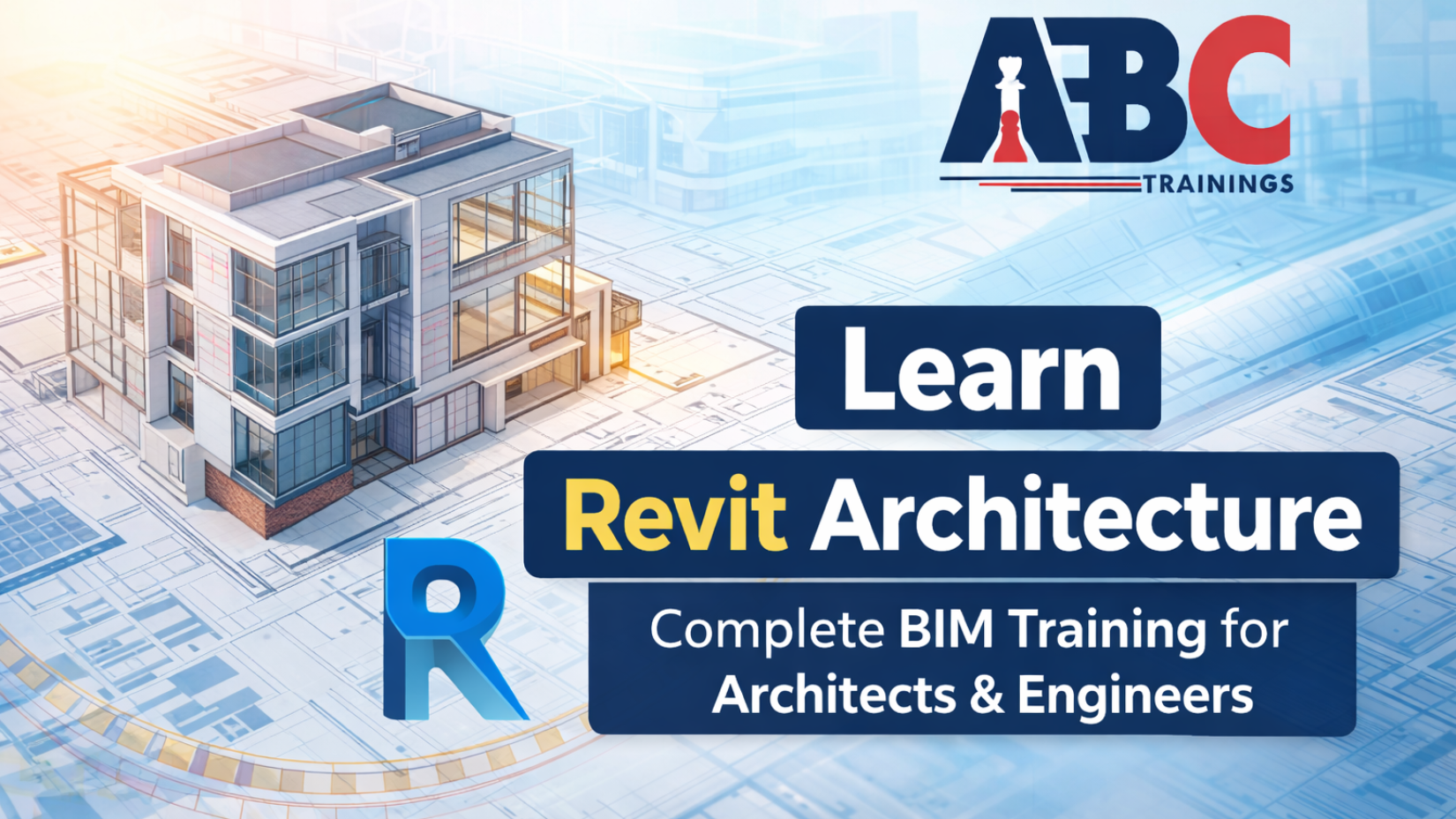
The architecture industry is evolving rapidly. Today, it is not enough to create drawings. Professionals are expected to design intelligent, coordinated, and data-driven building models. This is where Revit Architecture plays a powerful role.
At ABC Trainings, we provide professional Revit Architecture training across Pune, Chh. Sambhajinagar (Aurangabad), Sangli, and Latur, helping students and working professionals master Building Information Modeling from fundamentals to advanced project execution.
If you want to become industry-ready in architectural design and BIM modeling, this course is structured exactly for you.
Revit Architecture is a Building Information Modeling software used for planning, designing, visualizing, and documenting building projects in a systematic and intelligent manner.
Unlike traditional drafting tools, Revit works on a model-based system. Every element in the project such as walls, floors, windows, doors, roofs, and structural components is connected with real information. When one change is made, all related drawings, schedules, and views update automatically.
Understanding BIM improves coordination, reduces errors, saves project time, and ensures efficient management throughout the building lifecycle.
This is why learning Revit is essential for architecture and civil engineering students in Maharashtra.
The course begins with setting up the project correctly. Students learn to create:
Levels that define vertical heights of floors
Grids that help align structural and architectural elements
Levels and grids form the structural backbone of every Revit model. Without proper setup, project coordination becomes difficult. That is why we focus on building strong fundamentals from day one.
Once the framework is ready, students start modeling different types of walls including:
Basic walls
Compound walls
Curtain walls
Wall openings
To refine and edit models accurately, modify tools are introduced. These include:
Move
Copy
Rotate
Trim
Extend
Align
Mirror
These commands are essential for precise modeling and professional project development.
In Revit, doors and windows are intelligent components known as families.
Students learn how to:
Place doors and windows properly
Modify and customize families
Adjust design requirements according to project needs
Family creation is also introduced as an advanced topic where custom components are designed specifically for architectural projects.
This helps students gain flexibility in real-world practice.
The next phase includes floor and ceiling modeling. Students define:
Boundaries
Thickness
Materials
Roof modeling is covered in detail, including:
Footprint roofs
Extrusion roofs
Openings and shafts are also created to accommodate services and vertical circulation within the building structure.
This ensures complete building modeling capability.
As the model develops, documentation becomes essential.
Revit provides smart dimensions that automatically update whenever changes are made.
Students generate:
Floor plans
Elevations
Sections
3D views
Isometric views
These views improve visualization and presentation quality.
Annotation tools such as text, tags, and symbols are used to add professional information to drawings. Callout views and drafting views are created for detailed areas of the project.
Sheet creation and printing are also covered, ensuring drawings are placed properly with title blocks for submission and construction documentation.
Modern architectural projects frequently use curtain walls in building facades.
Students learn about:
Curtain panels
Mullions
Design customization
Stair and railing creation is another important topic. Different stair types, runs, landings, and railing systems are modeled according to design and safety standards.
These elements are crucial for complete architectural modeling.
Revit allows extraction of quantitative data directly from the model.
Students create:
Door schedules
Window schedules
Material take-offs
Rooms are defined to calculate areas and generate room schedules.
Area plans and color schemes visually represent space usage and zoning within the building.
This automation saves time and improves documentation accuracy significantly.
Conceptual design is introduced through massing tools.
Energy settings help analyze building performance.
Lighting and material settings enhance visual quality and improve realistic rendering output.
Sun settings and solar studies analyze sunlight and shadow behavior based on location and time. This supports sustainable design decisions and environmental awareness.
The course also includes:
Toposurface tools to model site conditions and contours
Importing and exporting files for coordination with other software
Phasing to manage different stages of construction
Groups to manage repeated elements efficiently
These skills prepare students for professional collaboration environments.
Family creation is an advanced module where students design custom components according to project requirements.
This enhances flexibility and professional adaptability.
The course concludes with a complete architectural project where all learned concepts are applied to create a well-coordinated architectural model.
This final project ensures students are fully prepared for real-world professional practice.
At ABC Trainings, we provide:
Two hours of focused training per day
Session-wise structured syllabus
Independent student login portal
Recorded expert lectures
PPT notes for every session
Lab manuals for practical implementation
Final project verification before certification
Certificate generation within 24 hours
Access to verified job openings across India
We ensure transparency between trainers, students, and parents for focused and quality training.
You can join the Revit Architecture course at our centers in:
Pune
Chh. Sambhajinagar (Aurangabad)
Sangli
Latur
We are committed to providing professional and industry-ready training across Maharashtra.
If you want to master Revit Architecture and become confident in BIM-based architectural modeling, this is the right time to enroll.
📞 Contact: +91 8698270088
🌐 Website: https://abctrainings.in/
Join ABC Trainings in Pune, Sangli, Latur, or Chh. Sambhajinagar and build your career in architectural design with confidence.
Copyright © 2026 ABCTrainings - All rights reserved