.svg)
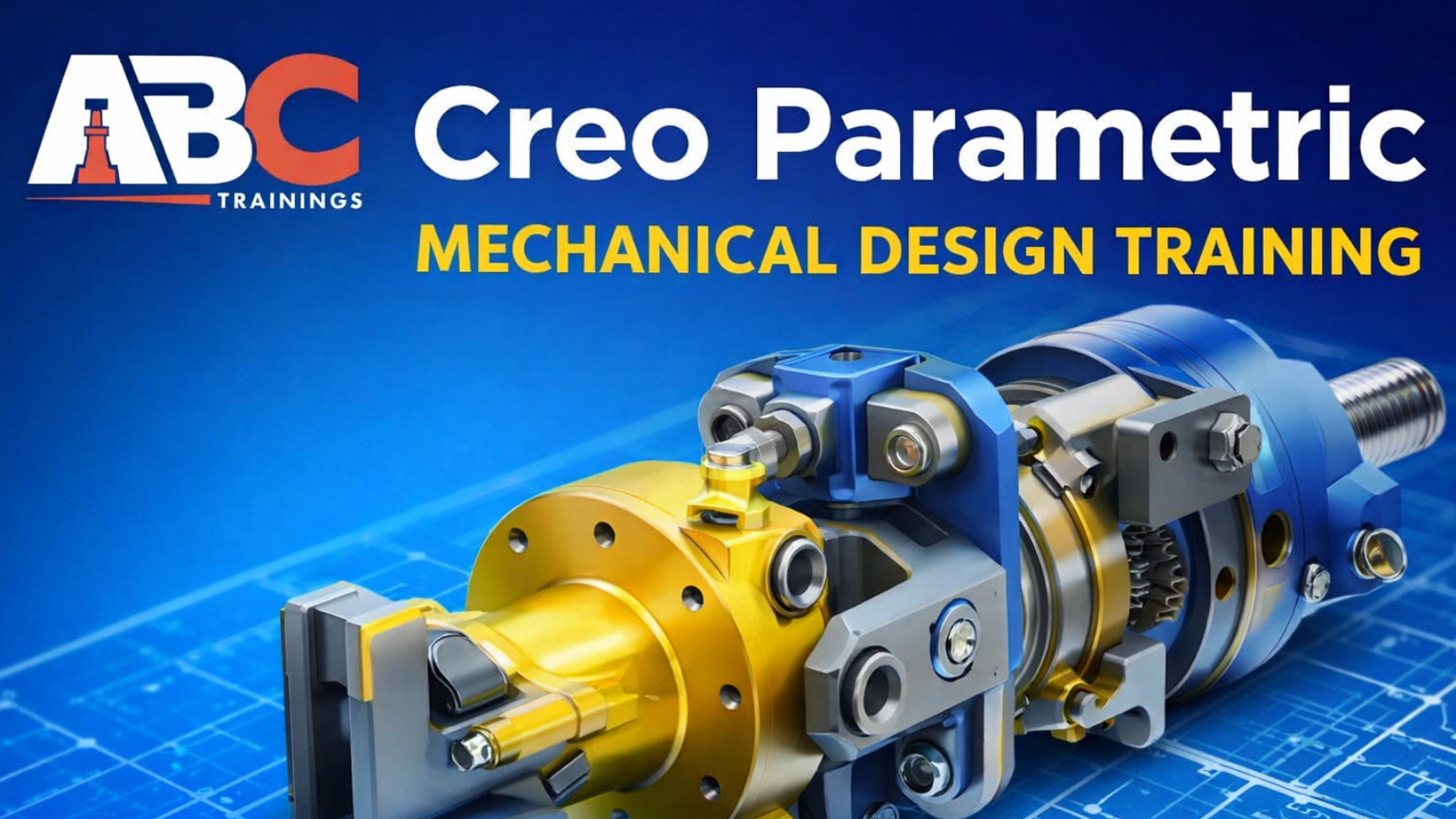
From 2D Sketching to Industry-Standard Product Design
Mechanical design today is no longer limited to manual drawings or basic 2D tools. Industries demand engineers who can think in 3D, follow ISO-standard design procedures, and convert ideas into manufacturable products. This is exactly where Creo Parametric (PTC) plays a critical role, and at ABC Trainings India, this software is taught in a deeply practical, step-by-step, industry-oriented manner.
This blog is a complete overview of Creo Parametric Mechanical Design Engineering training at ABC Trainings, strictly based on the official training content and session structure followed by our expert mechanical design engineers .
Creo Parametric is a robust and versatile CAD software suite developed by PTC (Parametric Technology Corporation). It is widely used for Computer Aided Design (CAD), Computer Aided Manufacturing (CAM), Computer Aided Engineering (CAE), 3D Modelling, and Product Lifecycle Management (PLM).
At ABC Trainings India, Creo Parametric is taught as a complete mechanical design solution, not just as software commands. The training is delivered with a strong focus on design intent, ISO-standard workflows, and real-world engineering practices. ABC Trainings India is also an official brand partner of PTC and provides MSME and ISO-certified training, which adds significant value to a student’s professional profile.
One of the biggest strengths of ABC Trainings is its one-on-one personal teaching approach, ensuring that every student clearly understands each concept before moving to the next session.
At ABC Trainings, Creo Parametric training follows a structured ISO design procedure, ensuring students learn mechanical design in the same sequence followed in real industries.
The complete learning journey includes:
Strong foundation in 2D sketching
Conversion of sketches into solid 3D models
Assembly of multiple components
Sheet metal design with proper thickness control
Surface design for zero or negligible thickness models
Drafting with complete GD&T and views
Rendering as per industrial standards
Each module is taught only after the previous one is fully understood and practiced.
Design intent refers to the strategic planning and decision-making process while creating a CAD model so that it behaves predictably when modifications are made.
Key principles of design intent taught at ABC Trainings include:
Parametric design
Constraints and relations
Feature-based modeling
Modularity
Associativity
Robustness
Students are trained to think like design engineers, not just software operators. This approach ensures models remain stable and editable even after multiple design changes.
Students are first introduced to the Creo Parametric interface, including:
Menu bar
Current application toolbar
Application toolbar
View toolbar
File toolbar
Insert toolbar (where most commands are located)
Operating System: Windows 10 Pro (64-bit)
Processor: Intel Core i5 or AMD equivalent
RAM: Minimum 8 GB
Graphics Card: Nvidia with at least 2 GB
Storage: Minimum 20 GB free space
ABC Trainings provides highly specialized labs with 24/7 internet access and all required amenities so students can practice without limitations.
Sketcher is the backbone of any mechanical CAD design. It focuses on 2D drawings and orthographic projections, which later form the basis of 3D models.
At ABC Trainings, students learn Sketcher in complete depth, covering:
Starting a new sketch
Drawing basic shapes
Applying constraints
Modifying profiles
Profile Toolbar (Profile, Circle, Line, Spline, Axis, Point, Conic)
Operation Toolbar (Corner with radius, Chamfer types, Transform tools like mirror, rotate, scale, offset)
Constraint Toolbar
Distance, Length, Angle
Radius and Diameter
Symmetry and Midpoint
Fix and Coincidence
Concentricity and Tangency
Parallel, Perpendicular, Vertical, Horizontal
Students learn all 17 essential constraints and understand how dimensional constraints take priority over geometrical ones.
In Part Design, students convert their 2D sketches into solid 3D models by adding depth, material, and thickness.
Shapes Dashboard
Engineering Dashboard
Editing Dashboard
Datum Dashboard
Extrude
Revolve
Sweep and Helical Sweep
Hole, Round, Chamfer
Draft, Shell, Rib
Pattern and Mirror
This module focuses on building accurate, manufacturable 3D components following industrial practices.
Assembly design teaches students how to combine multiple part models into a complete product.
Key learning points include:
Component Dashboard
Assembly constraints
Positioning parts accurately
Assembling solid, sheet metal, and surface models
This module builds an understanding of how real mechanical products are structured and assembled in industries.
Sheet metal design is a critical skill for mechanical engineers working in manufacturing industries.
At ABC Trainings, students learn:
Conversion of 2D sketches into sheet metal models
Thickness specification up to 9 mm
Bend radius control
Shapes Dashboard
Engineering Dashboard
Bends Dashboard
Editing Dashboard
Planar and Flat
Flange
Extrude
Rip and Form
Unbend, Bend, Bend Back
Flat Pattern and Split Area
Students practice real-world sheet metal components used in fabrication industries.
Surface design focuses on models with zero or negligible thickness, commonly used in automotive and complex product designs.
Students learn how to:
Create complex free-form surfaces
Understand continuity and surface quality
Integrate surface models with solid models
This module enhances advanced modeling skills and design flexibility.
Drafting is where designs are converted into manufacturing-ready drawings.
Students learn:
Front, Top, Side, Back views
Section views and detailed views
Complete GD&T tools
ISO-standard drawing practices
This module ensures students can communicate designs clearly to manufacturing teams.
As per ISO design procedure, Rendering is taught at the final stage. Students learn how to create visually appealing models for presentations and design reviews.
ABC Trainings stands out because of:
One-on-one personal teaching
ISO-standard design workflow
Highly experienced mechanical design engineers
Session-wise syllabus with full transparency
Dedicated student login with notes, PPTs, videos, ebooks, and lab manuals
Daily practice and mini-projects
Final project-based certification generated within 24 hours
Students from Pune, Sangli, Latur, and Chh. Sambhajinagar (Aurangabad) trust ABC Trainings for quality mechanical design education.
After completing Creo Parametric training at ABC Trainings, students gain skills required for:
Mechanical Design Engineer roles
Product Design Engineer positions
Manufacturing and Sheet Metal industries
Automotive and industrial product design
The training focuses on practical knowledge, not just software commands, which helps students confidently face industry challenges.
If you are a mechanical engineering student, graduate, or working professional looking to upgrade your design skills, Creo Parametric training at ABC Trainings is the right choice.
With centers across Pune, Sangli, Latur, and Chh. Sambhajinagar, ABC Trainings continues to deliver industry-focused, quality mechanical design education.
📞 Call Now: +91 8698270088
🌐 Visit: https://abctrainings.in/
Ready to master mechanical design with real-world expertise? Join ABC Trainings and transform your engineering.
Copyright © 2026 ABCTrainings - All rights reserved