.svg)
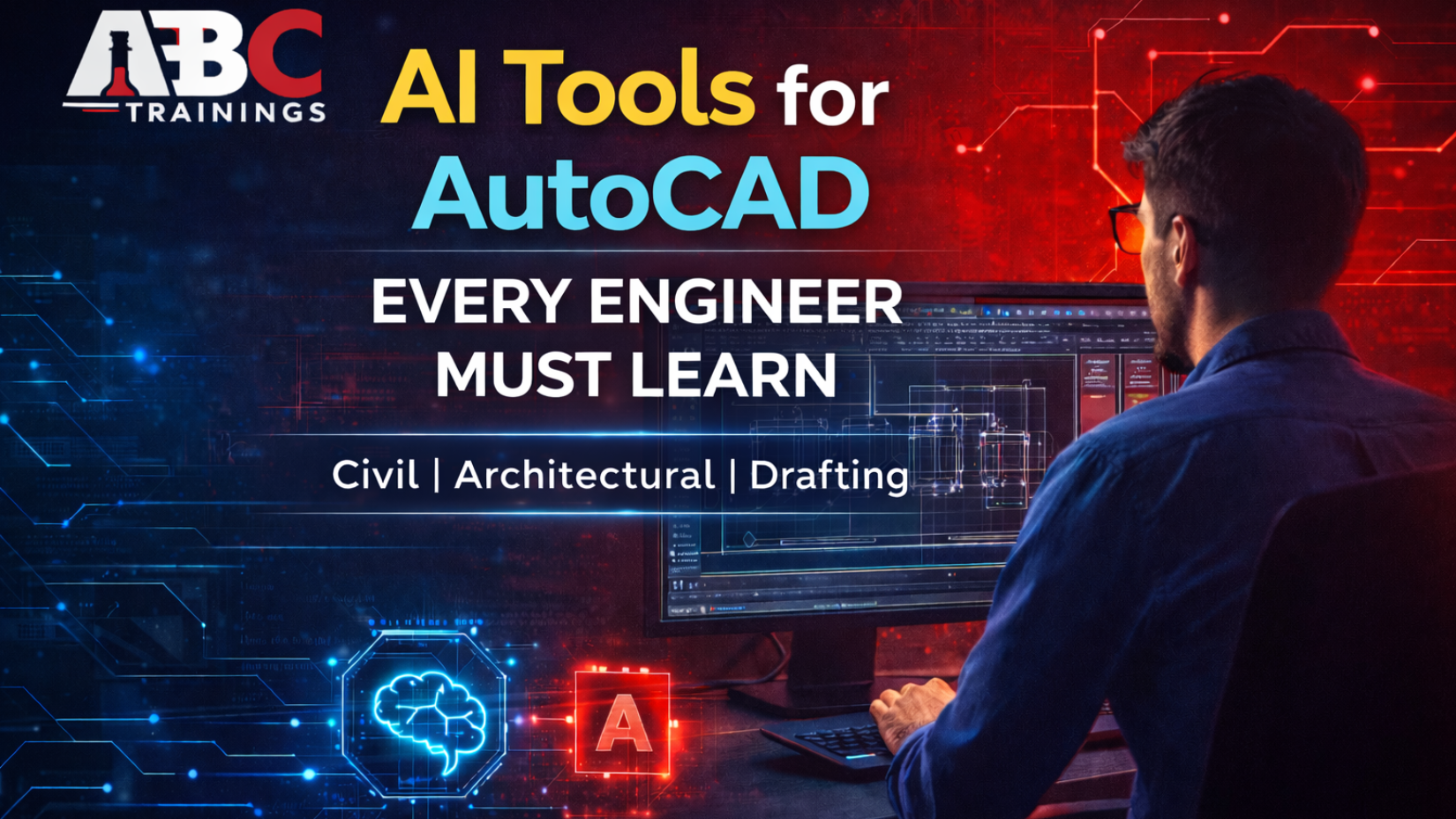
AutoCAD remains one of the most important tools for civil engineers, architects, and drafting professionals. However, the way AutoCAD is used in the industry has changed significantly. Today, companies expect faster delivery, better accuracy, and smart workflows. This is where AI tools for AutoCAD are making a real difference.
At ABC Trainings, we focus on teaching not just AutoCAD commands, but how to use AutoCAD intelligently with AI support. Engineers who understand AI-assisted drafting can complete work more efficiently, avoid common mistakes, and meet modern industry expectations with confidence.
In traditional drafting, engineers spend a large amount of time repeating the same steps. Creating layers, setting properties, inserting blocks, aligning objects, labeling, and dimensioning are all necessary—but repetitive.
AI tools help automate these routine tasks. Instead of manually repeating commands, engineers can use smart automation to maintain accuracy and consistency across drawings. This is especially useful in civil and architectural projects where drawings are large, detailed, and time-sensitive.
AI does not remove control from the engineer. It supports decision-making and reduces unnecessary effort.
AI tools inside AutoCAD act like a smart assistant that works along with the engineer. These tools help with:
Automatic drafting based on defined inputs
Early detection of errors like wrong layers or overlaps
Smart alignment and layout suggestions
Automated measurement, labeling, and dimensioning
Faster handling of repetitive drafting tasks
For beginners, AI tools reduce confusion. For working professionals, they significantly improve productivity.
Civil and architectural engineers often work on projects where standards and consistency are critical. Smart automation ensures that repeated tasks follow the same logic every time.
Using automation, engineers can:
Reduce manual workload
Improve drawing accuracy
Complete projects faster
Avoid common drafting mistakes
This is why companies now prefer engineers who understand automation-based AutoCAD workflows.
Action Recorder is one of the most practical automation tools in AutoCAD. It allows engineers to record a set of commands once and replay them whenever required.
For example, if you regularly create layers, insert blocks, or apply specific settings, Action Recorder can perform all those steps automatically. This saves time and ensures uniform output across drawings.
At ABC Trainings, students learn how to use Action Recorder effectively for real-world drafting tasks.
AutoLISP allows engineers to create custom commands inside AutoCAD. Traditionally, many learners found AutoLISP difficult. With AI assistance, it has become much more approachable.
Engineers can now:
Describe what they want AutoCAD to do
Generate AutoLISP scripts with AI support
Understand the code in simple language
Debug and modify scripts easily
This combination of AutoLISP and AI helps engineers convert repetitive manual work into automated solutions.
AI tools are designed to assist engineers, not replace them. Creativity, engineering judgment, and design decisions always remain human responsibilities.
AI simply handles routine tasks, checks for errors, and improves efficiency. This allows engineers to focus on planning, quality, and innovation.
Students and professionals who learn AI tools for AutoCAD gain clear advantages:
Faster drafting speed
Better accuracy in drawings
Reduced rework
Improved confidence in projects
Industry-ready skillset
These benefits are valuable whether you are a student, fresher, or working professional.
At ABC Trainings, we follow a structured, transparent, and practical training approach.
2 hours of training per day
Session-wise syllabus tracking via student login
PPT notes, theory material, and recorded expert lectures
Lab manuals for hands-on practice
Session-wise mini projects and a final project
Certification generated within 24 hours after final project verification
Verified job openings through the student portal
Parents and students can track progress through the login system, ensuring focused and quality training.
ABC Trainings is known as one of the best software training institutes in Maharashtra, with centers in:
Pune
Sangli
Latur
Chh. Sambhajinagar (Aurangabad)
We focus on practical learning from basics to advanced levels, ensuring students are job-ready.
AI tools are reshaping the way AutoCAD is used in civil and architectural drafting. Engineers who learn these tools gain speed, accuracy, and confidence. Ignoring AI-based workflows means falling behind industry expectations.
Learning AI tools for AutoCAD is no longer optional—it is a career necessity.
Want to master AI Tools for AutoCAD with practical, industry-oriented training?
Join ABC Trainings today and upgrade your drafting skills with confidence.
📞 Call Now: +91-8698270088
🌐 Website: https://abctrainings.in/explorer/
Take the smart step toward a stronger engineering career with ABC Trainings.
Copyright © 2026 ABCTrainings - All rights reserved